

Calling
Conference Calls
Without a Second Service
Merge calls into a three-way call from the app, or give guests a dial-in conference room with a PIN on Ultimate. No separate conferencing service needed.
Three-way calls on every plan; dial-in room on UltimateBy the AymexConnect team, Aymex LTDUpdated
In short
AymexConnect handles conference calls in two ways. In the desktop and mobile apps you can merge two calls into a three-way call on any plan, for example to bring a colleague into a customer call. On Ultimate, our team sets up a dial-in conference room with a PIN on your number, so guests without the app can join from any phone. For larger sessions with video and screen sharing, use the built-in video meetings.
Also called: three-way calling, audio conferencing, conference bridge.
What you get
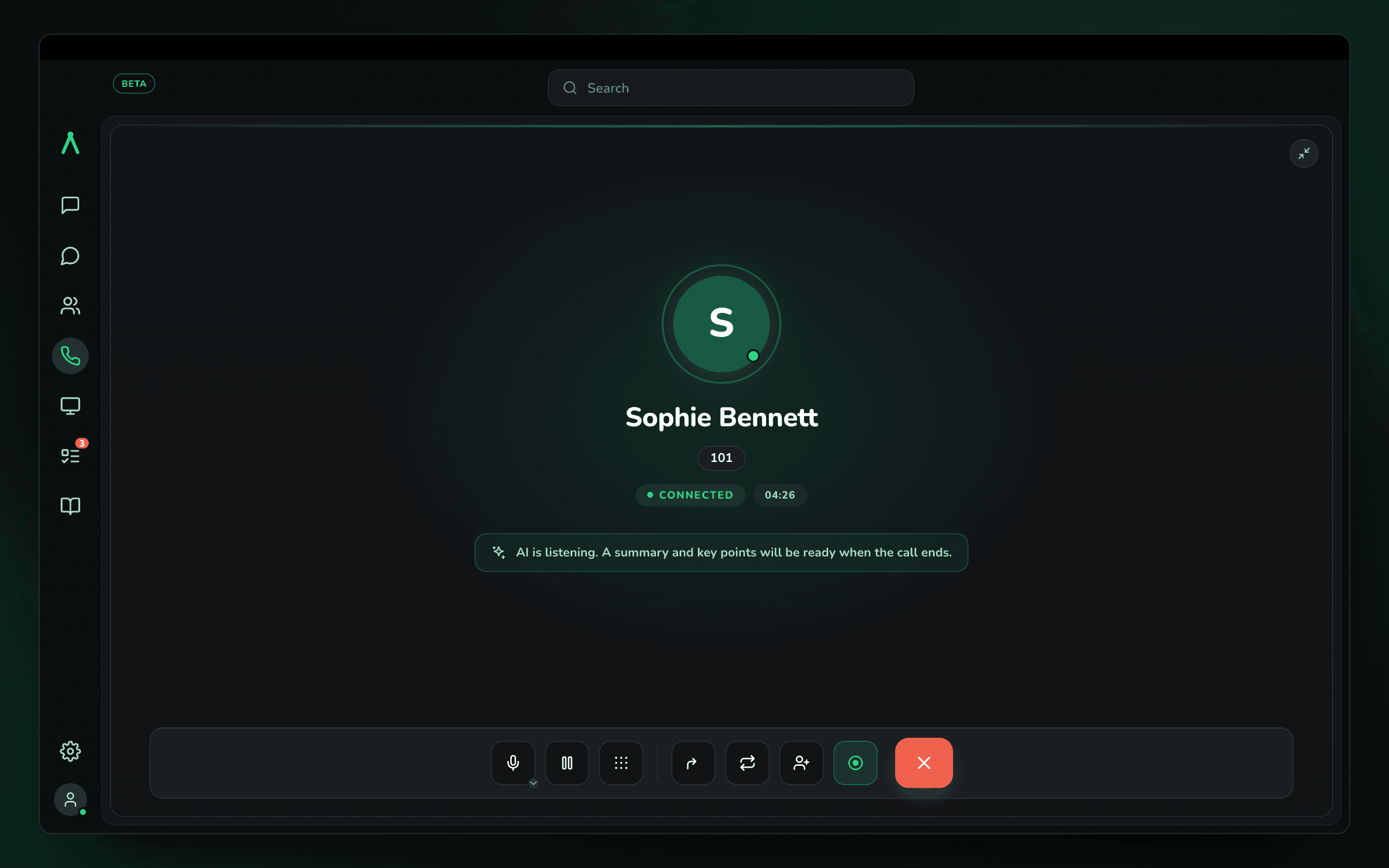
- Merge two calls into one three-way call from the in-call screen
- A dial-in conference room with a PIN for guests on any phone (Ultimate)
- Video meetings with screen sharing for larger groups, in the same app
How it works
- While on a call, place a second call to the person you want to add.
- Press Merge to join both calls into one three-way call.
- For a dial-in room on Ultimate, tell us the number and PIN you want and our team sets it up.
Which plans include it
Three-way calls are included on every plan. The dial-in conference room with a PIN is part of the call routing our team sets up on Ultimate.
Questions people ask
Merging calls in the app gives you a three-way call. For more people, use the dial-in conference room on Ultimate or a video meeting, which is designed for groups.
Yes. Anyone you call can be merged into a three-way call. With the Ultimate dial-in room, guests call your conference number and enter the PIN from any phone.
Keep reading
See It on Your Own Numbers Free for Thirty Days
A UK number, every app and smart voicemail from day one. No card, no contract, cancel in a click.