

Calling
Transfer Calls
to the Right Person
Transfer a live call to a colleague with or without speaking to them first, see who is free before you do, and move a call between your own devices.
Every planBy the AymexConnect team, Aymex LTDUpdated
In short
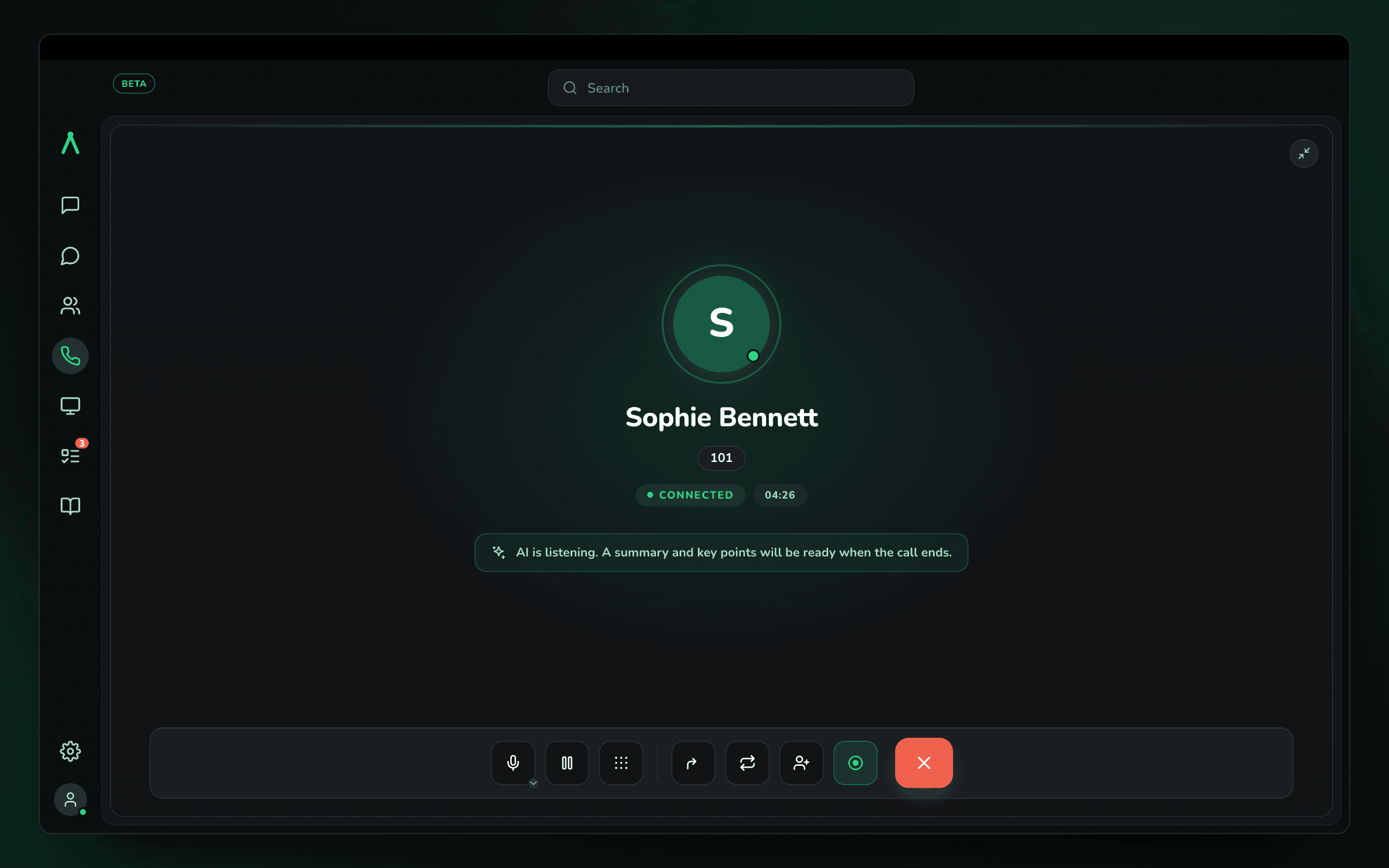
AymexConnect supports both kinds of call transfer on every plan. A blind transfer sends the caller straight to a colleague or an outside number. A warm transfer lets you speak to your colleague first, explain who is calling, and then connect them. Presence shows who is free, on a call or away before you transfer, and you can also merge two calls into a three-way call or move a live call from your desk phone to the app.
Also called: warm transfer, attended transfer, blind transfer, cold transfer.
What you get
- Blind transfer to a colleague, a shared number or any outside number
- Warm transfer: talk to your colleague first, then hand the caller over
- Presence on every colleague, so you transfer to someone who can answer
- Merge two calls into a three-way call
- Switch audio device in the middle of a call
- Move a live call from your desk phone to the app
How it works
- During a call, press Transfer and pick a colleague or type a number.
- Choose a blind transfer to send the caller straight through, or a warm transfer to speak first.
- On a warm transfer the caller is held while you talk, then you complete the transfer or take the caller back.
Which plans include it
Warm transfer, blind transfer and three-way calls are part of calling on every plan, in the desktop and mobile apps.
Questions people ask
In a blind transfer the caller is sent to the new person immediately and you drop off. In a warm transfer the caller is held while you speak to your colleague, then you connect them. Warm transfers suit calls that need context; blind transfers are faster for routine handovers.
Yes. You can transfer to a colleague's extension or to any phone number you are allowed to dial, subject to your organisation's allowed destinations.
Yes. The directory shows whether each colleague is online, on a call, in a meeting or away, so you can pick someone who will answer.
Keep reading
See It on Your Own Numbers Free for Thirty Days
A UK number, every app and smart voicemail from day one. No card, no contract, cancel in a click.